PDF Gallery QR Code Generator
Put all your product manuals or menus on one page, accessible from a single scan. Swap files or add new ones whenever you like, the code never changes.
Create a PDF Gallery QR Code
PDF Gallery QR Code: One QR Code for Multiple PDFs
Share multiple PDFs in one place with a single QR code. Use it to organize documents such as manuals, menus, brochures, catalogs, guides, product information, and other PDF files on one mobile-friendly page.
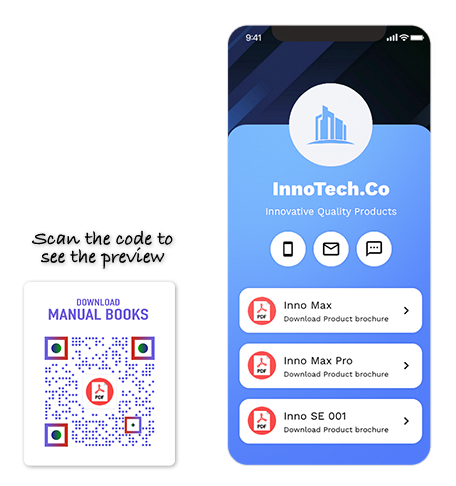
What Is a PDF Gallery QR Code?
A QR code for PDF gallery allows you to share multiple PDF files with a single scan. Users can scan the QR code to reach a display page containing all the PDF files. With a PDF Gallery QR code, you can share several PDFs at once across channels with a large audience.
PDF QR Code vs PDF Gallery QR Code
Use a PDF QR Code for one PDF
Use a PDF QR Code when you want to share one PDF file through a QR code. It is best for brochures, menus, reports, forms, guides, or any single document users need to open from one scan.
Use a PDF Gallery QR Code for multiple PDFs
Use a PDF Gallery QR Code when you want to share multiple PDFs from one mobile-friendly page. It is best for manuals, catalogs, menus, training files, safety information, or related documents users should access from one scan.
Sharing just one PDF? Use the PDF to QR Code Generator.
How Does a QR Code for PDF Gallery Work?
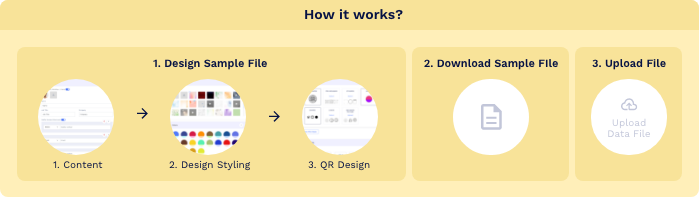
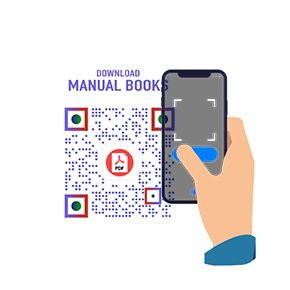
With a QR Code for PDF Gallery, you can share multiple PDF files with a single QR code. Here’s how a PDF Gallery QR code works:


What Are the Benefits of a PDF Gallery QR Code?
PDFs are one of the best ways to share helpful information with your consumers. A PDF gallery QR code makes it even easier. Here’s why you should use a PDF gallery QR code.
- Share multiple PDFs with one QR code: Add several PDF files to one PDF Gallery page and let users access them with a single scan. You do not need to create separate QR codes for every document.
- Update files without reprinting: A PDF Gallery QR code is dynamic. You can add, remove, or change PDF files anytime without changing or reprinting the QR code.
- Keep documents organized: Group related PDFs in one place so users can find the right file quickly. This is useful for manuals, menus, brochures, catalogs, guides, and product documents.
- Share PDFs as uploads or links: Upload PDF files from your local storage or add existing PDF links, depending on how you want to manage your documents.
- Track scan activity: View analytics and check how many users scanned your PDF Gallery QR code. You can use scan data to understand engagement across locations, devices, and campaigns.
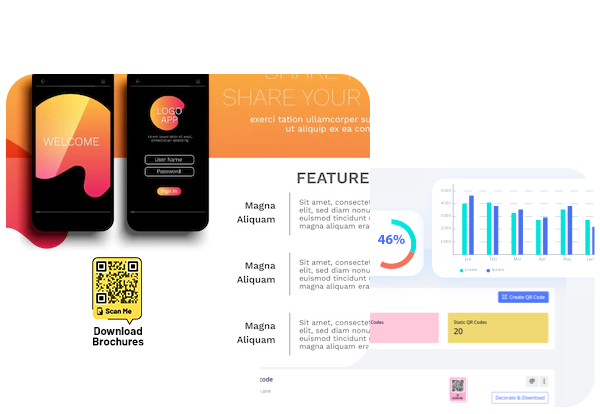
Who Should Use a QR Code for PDF Gallery?
A QR code for PDF Gallery is useful for all businesses, especially:




Why Create and Manage PDF Gallery QR Codes With QRCodeChimp?
QRCodeChimp is a fantastic solution for creating PDF Gallery QR codes. Here’s why you should make a QR code for PDF Gallery with QRCodeChimp:



How to Get More Scans on Your QR Code for PDF Gallery
Your PDF Gallery QR code delivers value only when people scan it. Optimizing its design and placement can significantly increase document views and engagement.
Use the Right QR Code Size
Ensure your QR code is easy to scan by choosing the right printing size. A minimum size of 1 x 1 inch is recommended, though you may need a larger size depending on placement and viewing distance.
Design an Eye Catching QR Code
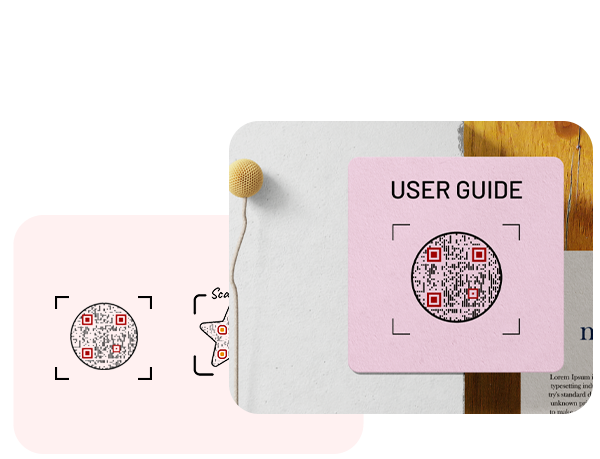
Visually appealing QR codes attract attention and encourage interaction. Use custom shapes, brand colors, and design elements to make your QR code stand out while maintaining good contrast for easy scanning.Add a Clear Call to Action
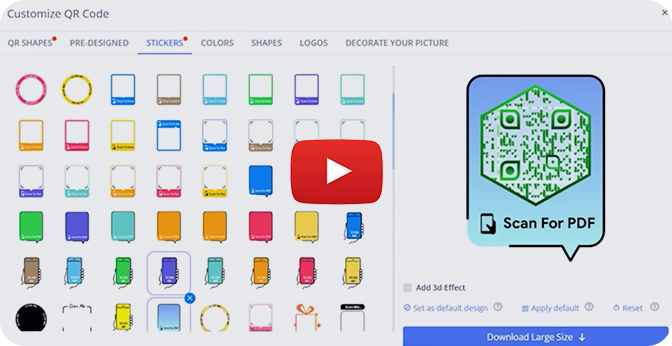
Choose a sticker that gives users a clear reason to scan. It should help people understand that they can access useful PDFs, documents, manuals, guides, or other resources after scanning.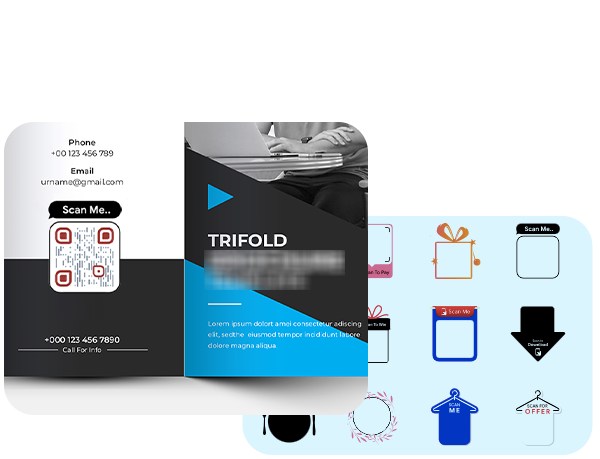
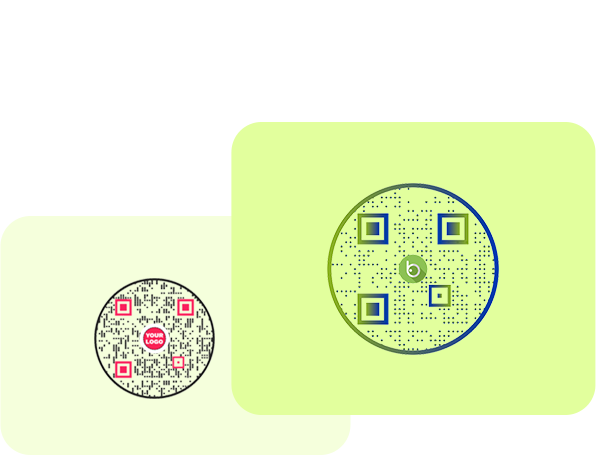
Use Your Brand Logo
Adding your logo makes the QR code recognizable and builds trust. A branded QR code helps users instantly associate the QR code with your business and fits naturally into your marketing materials.Place it where users need the documents
Place the PDF Gallery QR code on packaging, product inserts, brochures, manuals, menus, displays, posters, counters, event materials, or support documents where users are most likely to need the PDFs.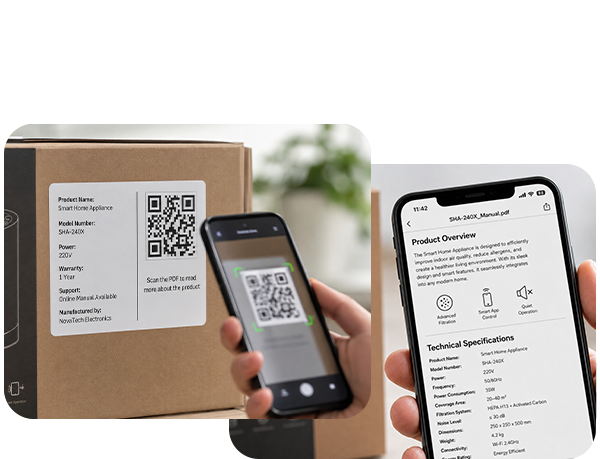
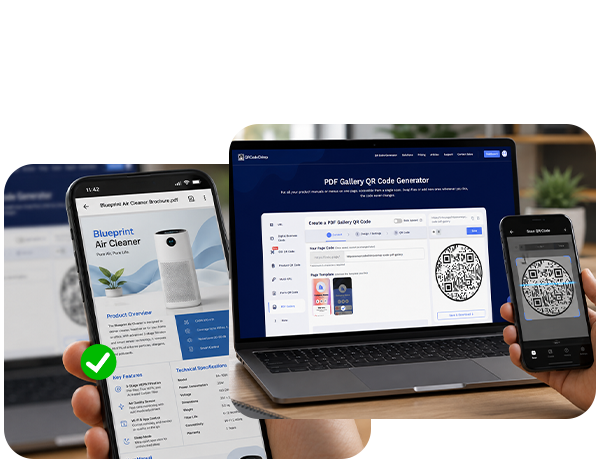
Test before printing
Scan your QR code from different devices before printing it for production. Make sure the PDF Gallery page opens properly and all PDFs are accessible.- How to create a QR code for PDF Gallery?
- Can I create a PDF Gallery QR code for free?
- How many PDFs can I share with a PDF Gallery QR code?
- Can I add, remove, or change PDFs without reprinting the QR code?
- What's the difference between a PDF Gallery QR Code and a single PDF QR Code?
- Can I customize the PDF Gallery landing page?
- Can I track scans on my PDF Gallery QR code?
How to create a QR code for PDF Gallery?
Step 1: Customize Your Page URL (Optional)
Customize the PDF gallery page URL to your preference (optional).
Note: Once saved, you cannot change it.

Step 2: Select the Template
Select the template for your PDF gallery.

Step 3: Enter Your Information
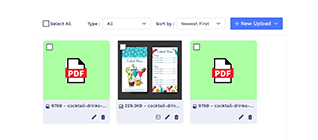
Enter your profile details, upload your PDF files or enter the existing PDF links. You can also add additional sub-components by clicking on the 'Add' button of the respective component.
Note: You can choose to hide/delete/move the components to your preference.

Step 4: Add Additional Components (Optional)
Click on 'Add Component' to add additional sections such as a button, video, and more (optional).

Step 5: Customize the Page Design
Click on the 'Design/Settings' tab to customize the page design with background image/video, colors, font style, card style, and page loader.

Step 6: Customize Your QR Code Design
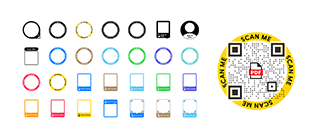
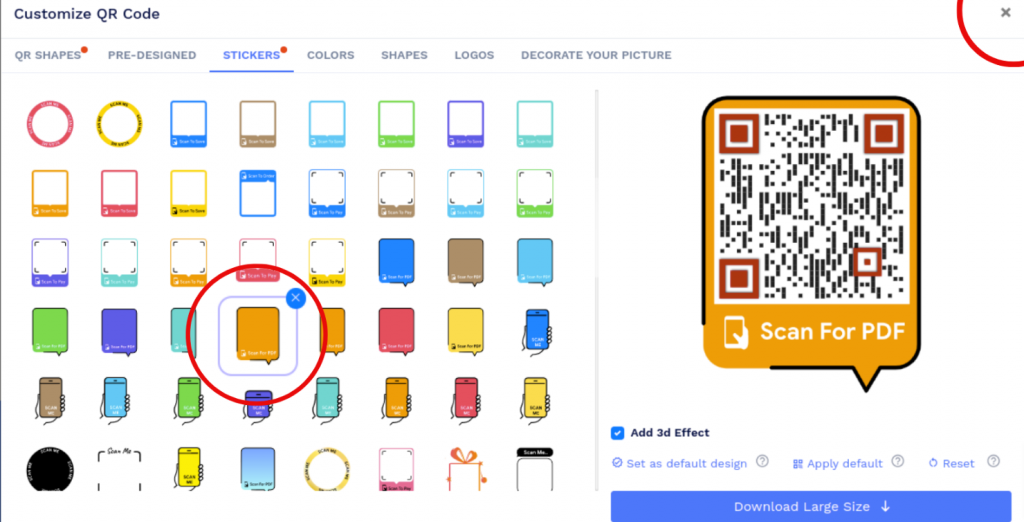
Click on the 'QR Code' tab to customize your QR Code design (ex: adding shape, color, and sticker).
Note: Click on the 'x' icon of the 'Customize QR Code' popup to save changes.
Step 7: Save and Download
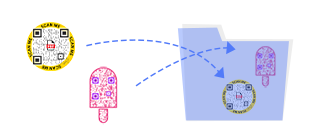
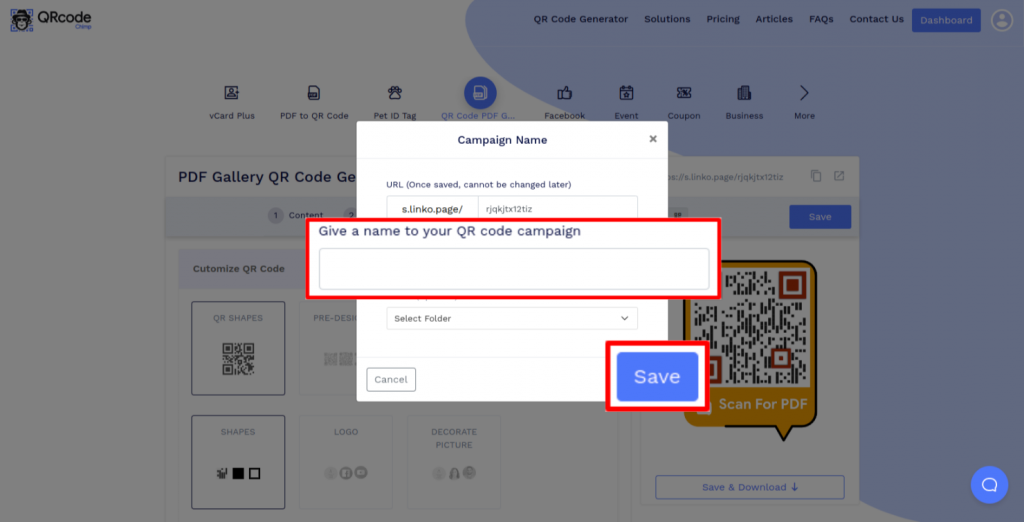
Click on the 'Save' button. Enter the QR Code name, edit the URL (optional), select folder (optional) and click on 'Save.'
Note: Make sure to scan your QR Code from different devices (iOS and Android) before printing for production.
Can I create a PDF Gallery QR code for free?
Yes, you can create a PDF Gallery QR code for free with QRCodeChimp. Our solution lets you add various PDF files on a single page, allowing your users to access them all with a single scan.
Can I add, remove, or change PDFs without reprinting the QR code?
Yes. A QR code for PDF Gallery is dynamic, so you can add, remove, and change PDF files without reprinting the QR code.
What's the difference between a PDF Gallery QR Code and a single PDF QR Code?
A PDF Gallery QR Code puts multiple PDFs on one page behind a single scan. If you only need to share one PDF, use the PDF to QR Code Generator instead.
Can I customize the PDF Gallery landing page?
Yes. You can customize the PDF Gallery page with templates, colors, font styles, backgrounds, and other design settings to match your brand.
Can I track scans on my PDF Gallery QR code?
Yes. QRCodeChimp lets you track scan analytics, including total scans, scan location, devices, and browsers used.
Hear What Our Customers Have to Say!

Creating QR codes was very easy!
Hello, I'm Marion, and I'm preparing an online congress. I have developed 10 digital guides; these guides are presented in my book and can be accessed directly via a QR code. Creating QR codes was very easy, and it worked well, generating 15+ codes quickly and easily. Thank you, and we look forward to coming back to the platform for our next project.
We feel very happy to provide a rating of 10 out of 10!
We are very much satisfied and really appreciate the QR code service provided by QRCodeChimp.com Customization features like different styles, colors, and adding a logo make the QR codes attractive. Also, PDF generation is up-to-date. QRCodeChimp.com is very useful for our startup business.
Simple and elegant card pages
We rolled these out for our sales team and the scans simply work. Support is quick too.
Variety of shapes is fantastic!
The QR code is great, having the ability to include a logo in the middle. I used QRCodeChimp to create a code for our club event registration because I was offering entry to the staff of a sponsor, so I wanted a great way to capture their interest. We were fortunate that our club's mascot, a turtle, is included in the range of shapes that QRCodeChimp has as standard.
My Go-to solution!
The best, since I started using it, is my go-to when I need a QR Code. I can easily download QR codes in PDF and PNG formats. I rate QRCodeChimp 9/10.
Easy to use!
I just made a few QR codes for use in my classroom. Your page was very easy to use.

I really enjoy the site.
I'm a teacher and with all the links for students, it can be overwhelming. I use the shape feature the most. I use it for clubs, classes, and sports. Personally, I use it for my singing group.

Your site provides an excellent experience!
As an exhibition curator, having my artist's artwork listing accessible to visitors through QRCodeChimp is a great experience. You can trust the artists to change the piece's name and resume every day, so having a dynamic QRCode was a must. QRCodeChimp brings exactly this and is Free! Thank you for your implementation.